Troubleshooting Sportzfy APK: Fix Buffering, Installation, and Playback Issues
If you’re a sports lover using Sportzfy APK to stream live matches and highlights, you already know how convenient it is. However, like any streaming app, it’s not always smooth sailing sometimes users face buffering, installation errors, or playback glitches. Don’t worry! In this article, we’ll walk you through practical solutions to fix the most common Sportzfy APK problems so you can get back to enjoying your favorite games without interruptions.
1. Fixing Sportzfy APK Buffering Issues
Buffering is one of the most frustrating problems during live matches. It usually happens due to slow internet speed, overloaded servers, or outdated app versions.
Try these fixes:
Check Your Internet Connection: Make sure you have a stable internet connection of at least 5 Mbps for smooth streaming. If possible, switch from mobile data to WiFi.
Close Background Apps: Other apps running in the background may consume bandwidth. Close unnecessary tabs or downloads.
Change Streaming Quality: Lower the video resolution (from HD to SD) to reduce data load and improve playback.
Use a VPN (If Necessary): Sometimes regional restrictions or server congestion cause buffering. A reliable VPN can help you connect to a faster server.
Clear Cache: Go to Settings → Apps → Sportzfy → Storage → Clear Cache. This helps remove temporary files that may slow down streaming.
2. Fixing Installation Problems
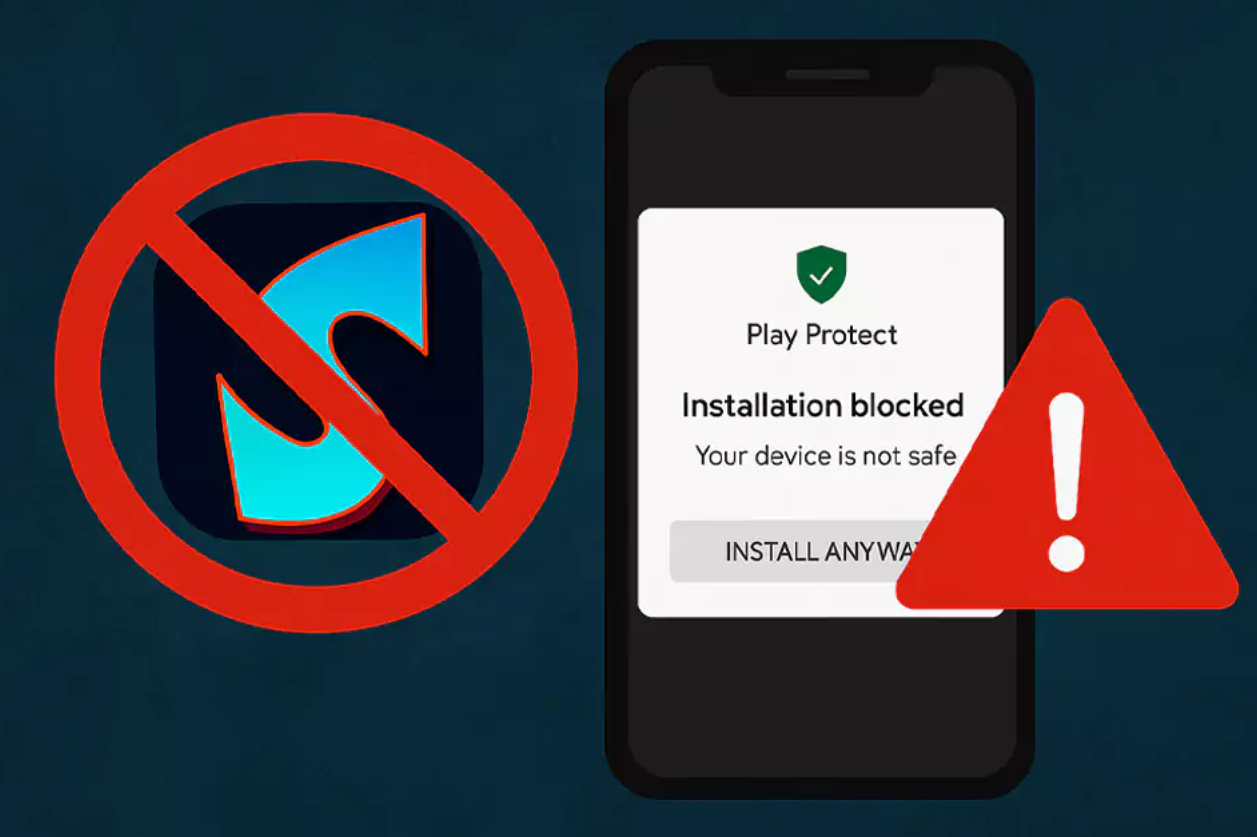
Many users face issues when installing Sportzfy APK, especially if they’re downloading from third-party sources. Here’s how to fix common installation errors.
Common problems and solutions:
“App Not Installed” Error:
Make sure you’ve enabled “Install from Unknown Sources” in your device’s settings.
Check that you’re using the latest version of the APK. Outdated files can cause compatibility errors.
Ensure your device has enough storage space. Clear unused files or apps if necessary.
Corrupt or Incomplete APK File:
Always download Sportzfy APK from a trusted website.
Avoid pausing or interrupting the download process, as it can lead to corrupted files.
Compatibility Issues:
Sportzfy works best on Android 5.0 and above. If you’re using an older device, update your Android version if possible.
3. Fixing Playback and Streaming Errors
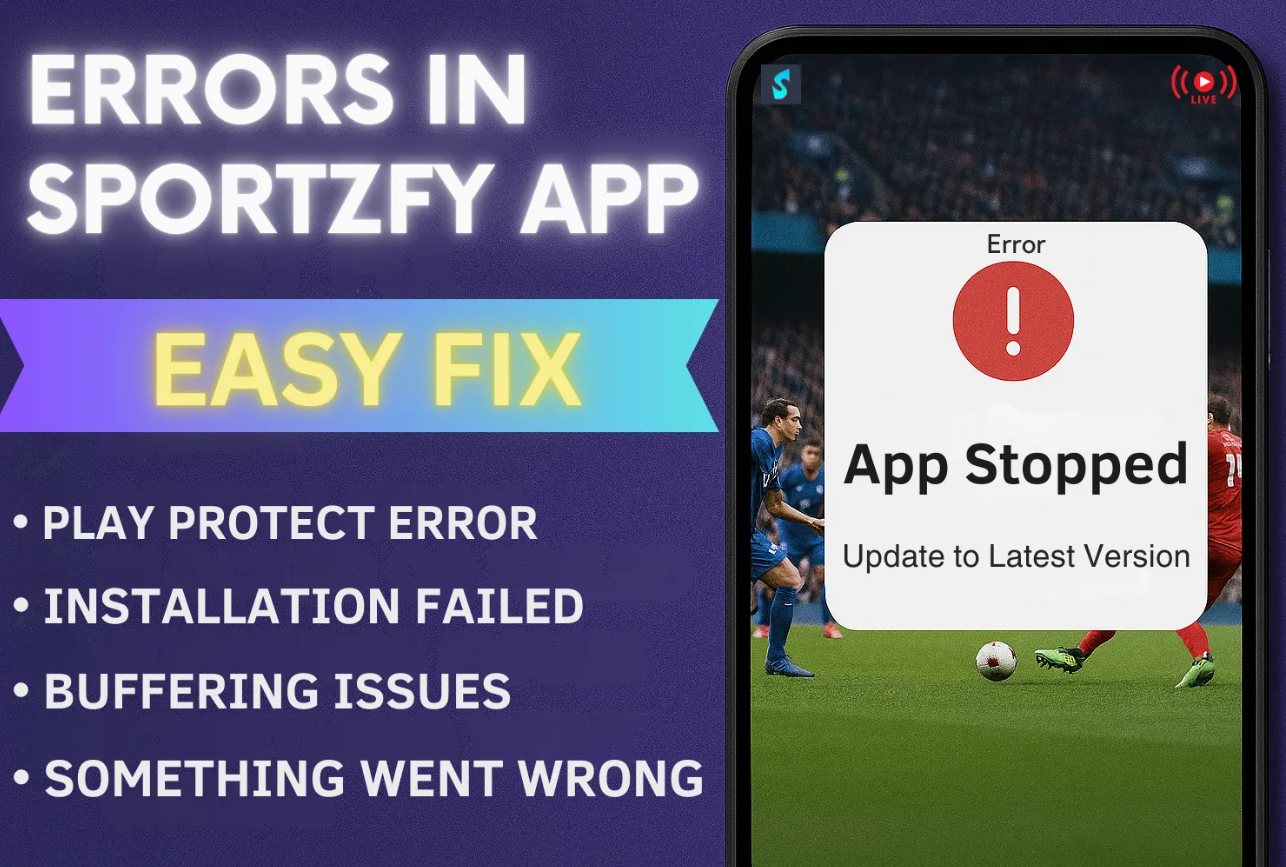
Playback errors, such as “video not available” or “stream failed to load,” can occur for several reasons — mostly due to server issues or app bugs.
Here’s what you can do:
Restart the App: Close Sportzfy completely and reopen it. This simple step often resolves minor playback glitches.
Check for App Updates: Developers regularly release updates to fix streaming errors. Make sure you’re using the latest version of the app.
Switch Streams: If one link isn’t working, try another server or stream source within the app.
Clear App Data: Go to Settings → Apps → Sportzfy → Storage → Clear Data (Note: This will reset your preferences).
Reinstall the App: Uninstall and reinstall Sportzfy APK. This can fix corrupted data or outdated configurations.
4. Sound or Video Quality Problems
If the audio is out of sync or the video quality seems blurry, it may be due to low bandwidth or app settings.
Try this:
Check your internet speed using a speed test app.
Use the in-app quality settings to manually adjust video resolution.
Plug in earphones or test audio on another app to make sure the issue isn’t your device.
5. General Tips to Keep Sportzfy Running Smoothly
Always update the APK to the latest version.
Avoid using modded or fake versions of the app.
Clear cache regularly to prevent lagging.
Restart your device once in a while to refresh memory.
Make sure your device’s date and time are correct — incorrect settings can cause connection issues with servers.
Conclusion
The Sportzfy APK is one of the best free sports streaming apps available, but occasional bugs and performance issues can spoil the fun. By following the troubleshooting steps above — from clearing cache to updating the app — you can fix most buffering, installation, and playback problems in minutes.
Stay updated with the latest app version and maintain a strong internet connection for the best streaming experience. With these fixes, you’ll never have to miss another match again!
| Read also Sportzfy APK for Beginners: A Step-by-Step Setup Guide